22
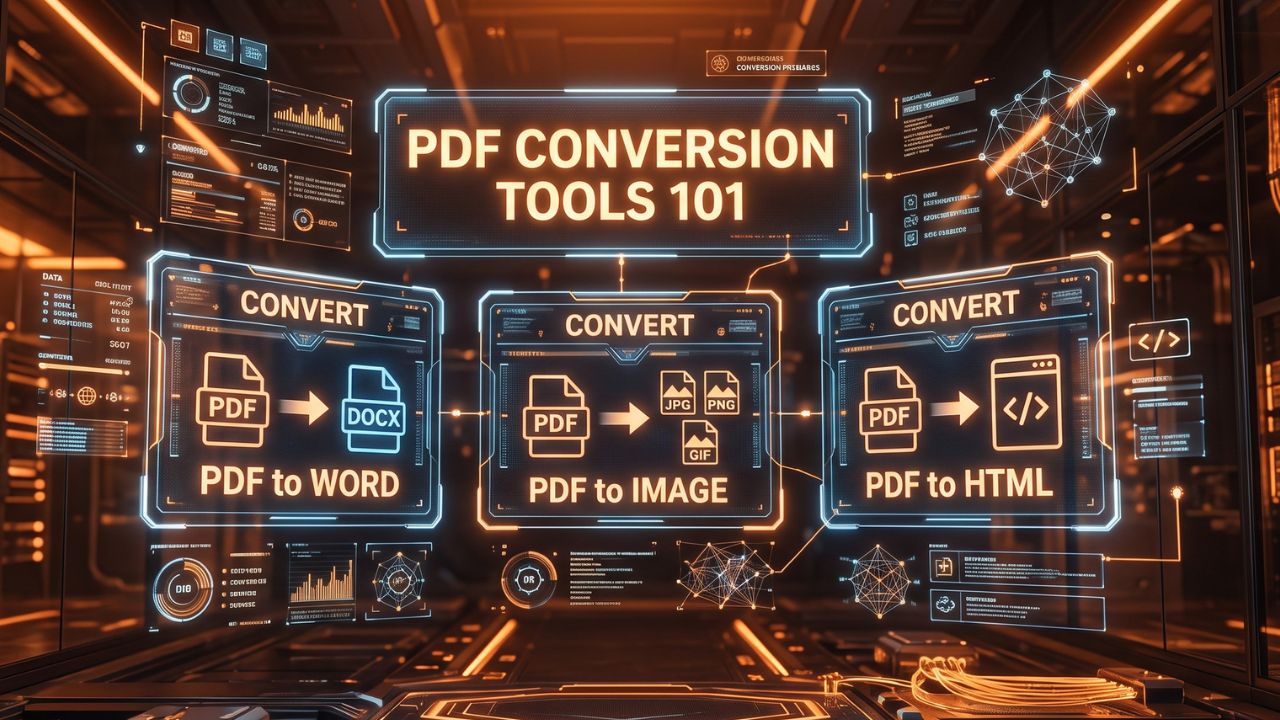
PDF Conversion Tools 101: Convert PDF to Word, Image, and HTML
Explore the essential guide to PDF conversion tools. Discover how to easily convert PDF documents to Word, Image, and HTML formats for enhanced flexibility.
The Ubiquity and Limitations of PDF Documents
Since its initial inception by Adobe in the early 1990s, the Portable Document Format, universally known as PDF, has rapidly become the absolute global standard for reliable document sharing and digital archiving. The primary, undeniable strength of the PDF lies in its remarkable consistency: a carefully formatted PDF file will universally look exactly the same regardless of the specific operating system, the type of device, or the particular software application being used to open it. This robust platform independence makes PDFs the undisputed ideal choice for securely distributing official legal contracts, complex visually-rich manuals, final academic papers, and detailed professional invoices.
However, this very same rigid consistency that makes PDFs so incredibly reliable for viewing also makes them notoriously difficult and frustrating to significantly edit or creatively repurpose. Unlike highly fluid Word documents, PDFs are fundamentally designed to securely lock content strictly in place. When you unexpectedly need to make substantial, deep edits to the core text, carefully extract high-resolution graphical elements, or dynamically publish the enclosed content directly to a responsive webpage, the standard PDF format quickly becomes a massive hindrance rather than a help. This common frustration is exactly where the incredible utility of modern PDF conversion tools becomes absolutely essential.
Why Convert PDFs? Understanding the Use Cases
The sudden necessity to convert a static PDF into a fundamentally different, more malleable file format arises frequently in various professional, academic, and personal scenarios. Understanding these specific, highly common use cases clearly highlights the vast importance of having immediate access to reliable, high-quality document conversion tools.
Deep Editing and Formatting Changes: Perhaps the single most frequent, everyday reason for conversion is the urgent need to edit the actual underlying text of a document. If you receive a finalized report in PDF format but quickly realize a crucial paragraph desperately needs to be completely rewritten or updated, attempting to manipulate it directly within a standard, basic PDF reader is often an exercise in sheer frustration. Converting the document to a much more flexible word processing format completely unlocks the text, seamlessly allowing for entirely normal, intuitive editing.
Extracting Specific Assets: Very often, a lengthy, multi-page PDF contains highly valuable specific assets, such as complex infographics, detailed charts, or high-resolution photographs, that you urgently need to isolate and reuse in a completely different, entirely separate project. Converting the entire PDF, or just specific chosen pages, into standard image formats makes it incredibly easy to neatly extract and creatively utilize these visual elements without dealing with the complex, underlying PDF structure.
Web Publishing and Accessibility: While it is certainly possible to simply embed a raw PDF directly onto a modern website, this is generally considered very poor practice for both Search Engine Optimization (SEO) and overall web accessibility. Search engines historically struggle to accurately index the deep contents of embedded PDFs as efficiently as standard native HTML text. Furthermore, PDFs can be notoriously difficult for standard screen readers used by visually impaired individuals to navigate effectively. Converting static PDF content into responsive, native HTML actively ensures maximum reach, significantly better search rankings, and full compliance with modern web accessibility standards.
The Deep Dive: Converting PDF to Microsoft Word
Converting a strict PDF document into a flexible Microsoft Word format (.docx) is arguably the most highly sought-after type of digital document conversion. This specific process is incredibly invaluable when you need to make extensive text revisions, significantly alter the overall page layout, or deeply collaborate on the document's content with colleagues who heavily prefer working within the familiar Microsoft Office ecosystem.
The underlying technology required to achieve this specific conversion is actually surprisingly complex. A truly high-quality PDF to Word Converter doesn't simply grab the raw text; it must rely on highly sophisticated algorithms, and increasingly Optical Character Recognition (OCR) technology, to accurately interpret the highly complex layout of the original PDF. This incredibly advanced software must intelligently distinguish between standard paragraph text, complex multi-column data tables, floating images, and specific page headers, and then meticulously attempt to flawlessly reconstruct that exact same intricate structural hierarchy dynamically within the completely new Word document.
When heavily utilizing these specific tools, it is incredibly important to manage your initial expectations. While modern, highly advanced converters are generally excellent at precisely handling standard, text-heavy documents like simple essays or basic contracts, highly complex, visually designed layouts—such as a heavily stylized magazine page with overlapping text boxes and complex vector graphics—may occasionally require some minor manual formatting adjustments and final tweaking in Word post-conversion to achieve absolute perfection.
Visual Extraction: Converting PDF to Image Formats
There are numerous, highly practical situations where turning a document page into a completely static, easily shareable image is vastly preferable to maintaining it as a complex PDF. This is particularly universally true when you need to quickly share a very specific visual snippet of a document securely on a fast-paced social media platform, seamlessly insert a visual preview of a lengthy report directly into a standard PowerPoint presentation, or quickly display a document page highly prominently on a blog without requiring the user to download a potentially large PDF viewer.
A dedicated, high-performance PDF to Image Converter securely allows you to swiftly transform either entire, multi-page PDF files or specific, individually selected pages into highly universally accepted image formats like JPG or PNG. The best tools in this category will typically offer you granular, precise control over the final output resolution (DPI) and the specific image quality settings. This crucial flexibility ensures that the newly generated images are perfectly optimized, maintaining crisp, sharp text while expertly keeping the final file sizes entirely manageable and appropriate for rapid web use.
Modern Web Integration: Converting PDF to HTML
As the digital internet increasingly prioritizes highly responsive, fluid web design and strict, mandatory accessibility standards, simply uploading raw, static PDFs is rapidly becoming an outdated, discouraged practice. Converting dense PDF content directly into clean, native HTML fundamentally transforms a rigid, locked document into a highly flexible, natively web-friendly format.
This advanced conversion process intelligently extracts the core underlying text and essential structural formatting—such as fundamental headings, basic paragraphs, and simple lists—and directly wraps them in appropriate, semantic HTML tags. This process allows the newly extracted content to dynamically flow and completely adapt flawlessly to any screen size, whether the user is browsing on a massive desktop monitor or a tiny smartphone screen. Furthermore, highly well-structured HTML is significantly easier for major search engines to quickly crawl and accurately index, drastically improving the overall discoverability of your highly valuable content online. For organizations deeply looking to fundamentally modernize their massive digital archives and greatly improve their core online presence, robust PDF to HTML conversion is an absolutely critical, vital workflow.
Security and Privacy Considerations During Conversion
When regularly utilizing various online document conversion tools, especially those entirely free services found readily on the internet, data security and strict user privacy must always be a top, paramount concern. You are fundamentally uploading your potentially highly sensitive, entirely private documents to a remote, third-party server for processing.
It is absolutely critical to explicitly seek out highly reputable, trusted conversion tools that clearly state their strict data handling policies. Look specifically for services that absolutely guarantee end-to-end encryption during the file transfer process and distinctly promise the automatic, permanent deletion of your highly sensitive files from their external servers immediately after the conversion process is fully completed. If you are regularly dealing with highly confidential legal contracts, intensely private medical records, or sensitive proprietary business data, deeply consider heavily investing in completely offline, dedicated desktop conversion software to unequivocally guarantee that your private documents never actually leave your secure, heavily monitored local machine.
Conclusion
While the PDF undeniably remains an incredibly powerful, universally useful format for finalized document distribution and reliable long-term archiving, its inherent rigidity can frequently be a major roadblock to fluid, creative workflows. By thoroughly understanding the distinct, highly specific advantages of various digital formats and smartly utilizing high-quality, specialized tools like a PDF to Word Converter for deep, extensive editing and a PDF to Image Converter for swift, easy visual extraction, you can successfully unlock the deeply trapped potential of your static documents. Mastering these essential digital conversion processes ultimately provides you with the ultimate flexibility to securely interact with, dynamically edit, and effortlessly share your critical information in exactly the precise format that perfectly suits your immediate, specific needs in our highly dynamic digital world.
Contact
Missing something?
Feel free to request missing tools or give some feedback using our contact form.
Contact Us